







Send Sweatcoin, a new token for the move-to-earn economy. Sweatcoin is a free app which rewards your daily steps with a new generation digital currency.
You can spend on products, donate to charity or convert it into SWEAT. You can withdraw, send or transfer your Sweatcoin and sell it on exchanges where it’s listed on.
This article will help you understand the steps needed to send, withdraw or transfer your Sweatcoin to any cryptocurrency exchange for trading. Sweatcoin went LIVE on crypto trading platforms.
What You Must Do:
You must own a Near Protocol wallet and create a Near Wallet username. You can create one by visiting the Near Wallet website (https://wallet.near.org/)
Read Also: Top 5 SocialFi projects to earn as a creator in 2022
Step by Step Guide on How to Send SweatCoin to Exchange:
Download SweatCoin Wallet: You will need to first download the sweatcoin crypto wallet app from Google PlayStore or Apple App Store.
After downloading the sweatcoin wallet app, you will connect with the other sweatcoin app for walk-to-earn. You will login into the wallet app and it will load your balance from your move-to-earn app.
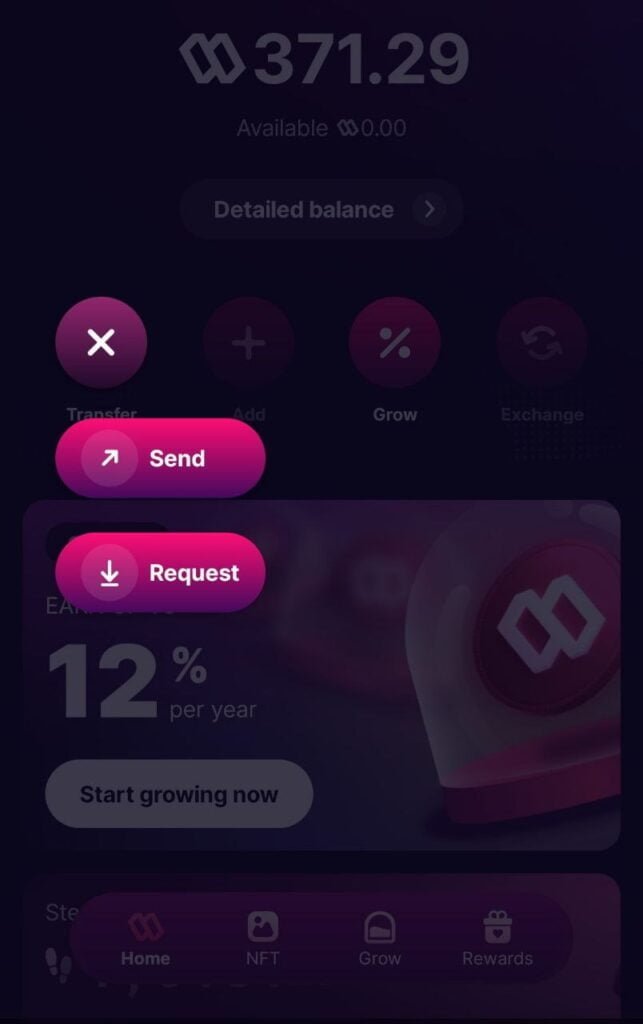
Once connected, you will go to “SEND”
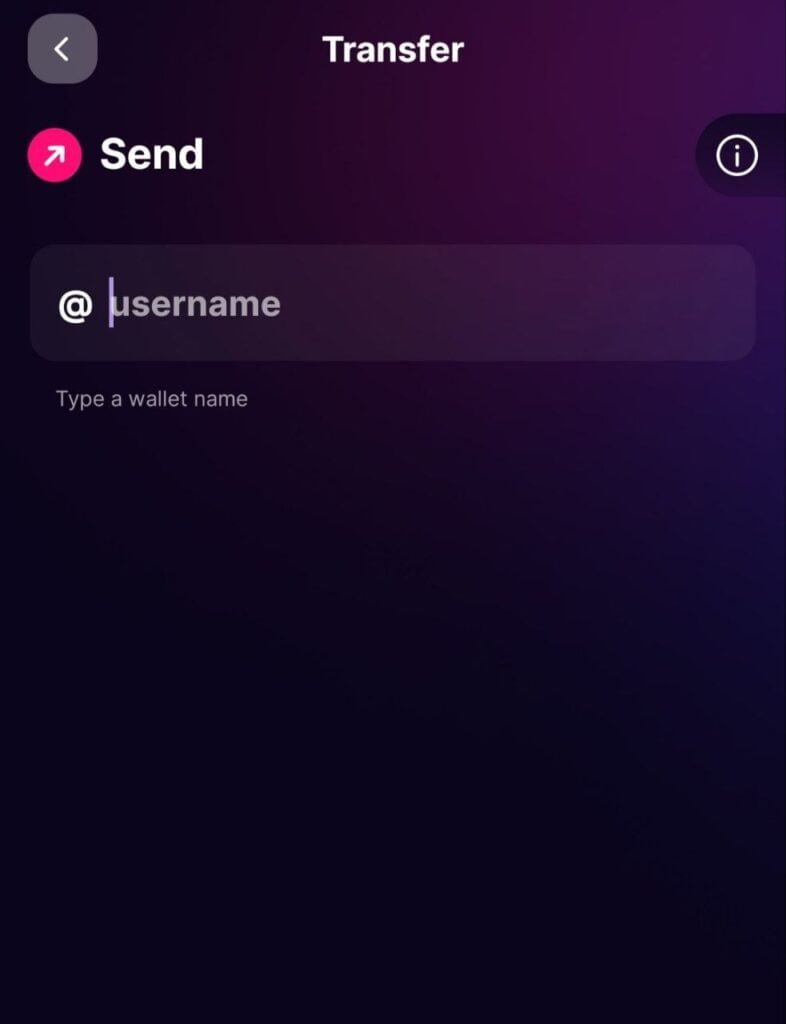
Then input your Near Wallet username.
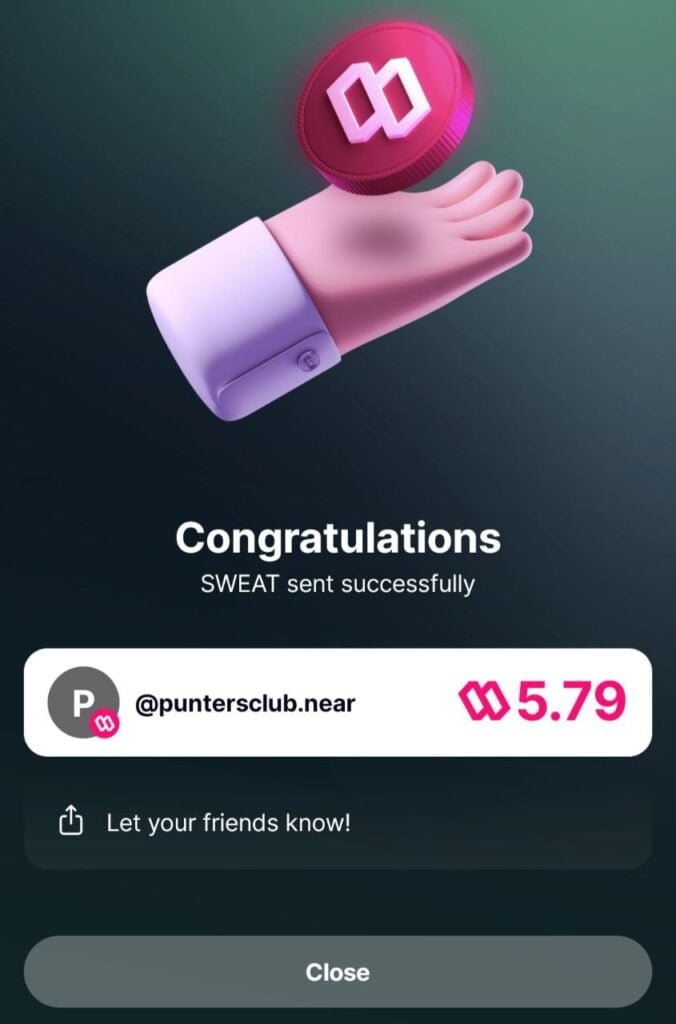
Then click send and it’s sent to your Near Wallet.
Then go to your Near Wallet app and send the token out to the exchange where you want to trade.
Where and How to Buy and Sell Sweatcoin
You can currently buy or sell your sweatcoin on these exchanges. They include;
- OKX
- Kucoin
- BitFinex
- ByBit
- Gate.io
- MEXC
- Bitget
- CoinEx
- LBank
Check out this free app — It Pays to Walk
Discover more from DiutoCoinNews
Subscribe to get the latest posts sent to your email.





After someone has withdrawn from the sweatcoin wallet in a particular month, the next time someone can withdraw again is after a month right??
yes.
Please I need some who can really put me through on this,I am eating but don’t know how to trade and so on. . ..
join on telegram t.me/diutocoinnewsdao
Hello I can put you through drop your WhatsApp or telegram account no. Below so I can contact you directly
email us via info@diutocoinnews.com
Hi, contact us using info@diutocoinnews.com
It seems the functionality to send sweat economy is disabled. Even after entering the wallet address, the send button is inactive
Make sure the details are correct
Pls i need guidance. I withdrew my sweatcoin to the NEAR on my trust wallet and its not reflecting..pls what do you think I should do?
You will need to add the wallet to the NEAR official wallet to be able to see the token. It’s a near blockchain token.
I have sweat coin on near blockchain in my bitget wallet but I can send or selling out. It keep saying error
I have over 160 sweatcoin and need someone to send to for cash or gift card worth my sweatcoin